5 UX YouTube channels worth subscribing to
YouTube is full of design content, but only some of it makes you better at the job. These five channels cover research, tools, process and craft, and each earns its place in my subscriptions.
Some ideas are much easier to learn by watching. How someone runs a workshop, critiques a layout or builds an auto layout component in Figma makes more sense in ten minutes of video than in an hour of reading.
The problem is choice. There are thousands of design channels, and many trade substance for thumbnails. These are the five I recommend, what each is best at and where to start.
1. NNgroup
The YouTube channel of Nielsen Norman Group, the UX research firm. Their videos are short, usually a few minutes, and explain one concept clearly: a research method, a usability principle or a common design mistake.
Best for: building a solid understanding of UX fundamentals, backed by research. They're also perfect to share with product managers and developers who want to understand UX without reading long articles.
- Watch their videos on usability testing and research methods if you're new to research.
- Use them as quick refreshers before a workshop or stakeholder session.
2. Figma
The official Figma channel goes well beyond feature announcements. It has tutorials on components, variables, auto layout and prototyping, plus recordings of talks from Config, Figma's annual conference.
Best for: getting faster in the tool most product teams use, and hearing how designers at well-known companies work. The Config talks are a goldmine for design systems and team practice.
My tip: skip the beginner basics if you're comfortable in Figma, and go straight to the videos on variables and advanced components. They'll save you hours on your next design system.
3. AJ&Smart
AJ&Smart is a design and innovation agency known for its work on design sprints and workshops. Their channel teaches facilitation: how to run a sprint, how to get a room of stakeholders to make a decision, and how to structure a project from problem to prototype.
Best for: designers who want to lead, not just make screens. Facilitation is one of the most underrated design skills, and this channel teaches it better than most courses.
Look for their videos on the Lightning Decision Jam, a short exercise for turning team complaints into actions. I've used it with clients and it works remarkably well.
4. Flux Academy
Founded by designer Ran Segall, Flux Academy focuses on web design: layout, typography, Figma and Framer, plus a lot of practical advice on freelancing and building a design career.
Best for: designers working on websites and marketing pages, and anyone considering freelance work. The videos on pricing, finding clients and presenting work are honest and useful.
5. DesignCourse
Run by Gary Simon, DesignCourse sits where UI design meets front-end development. It covers interface design, Figma, CSS and frequent critiques of real designs.
Best for: improving your visual craft. Watching someone critique a layout and explain exactly why spacing, contrast or hierarchy isn't working is one of the fastest ways to train your own eye.
What these channels have in common
When I look at why these five stuck when others didn't, the reasons are the same every time.
- They teach a transferable idea, not just a trick for one tool version.
- They show the work: the messy middle, the reasoning, the trade-offs.
- They respect your time. The good videos get to the point in the first minute.
- They keep publishing, so the back catalogue grows more useful over time.
Use the same checklist on any new channel you find. It'll save you a lot of hours on videos that look good and teach little.
Honourable mentions
- The Futur, by Chris Do: more about the business of design, pricing and client work than UX, but full of useful career advice.
- Config talks on the Figma channel: worth searching separately for topics like design systems, research and AI.
- Talks from conferences such as UX London and Smashing Conference, often uploaded in full.
How to learn from video without wasting time
Video is easy to consume and easy to forget. A few habits make the difference.
- Watch with a task. Pick a video because it solves a problem you have this week.
- Follow along. If it's a Figma tutorial, open a file and build it yourself, then pause and try a variation.
- Speed it up. Most talks work fine at 1.25x or 1.5x.
- Write down one takeaway per video. If you can't name one, the video wasn't worth finishing.
- Unsubscribe freely. If a channel hasn't taught you anything in a month, make room for one that will.
Learning from video works best alongside real work. Ten minutes of the right video, followed by an hour of applying it, beats an evening of watching.
Subscribe to channels that make you do something, not just feel something.
A path for every stage
The same five channels serve very different needs depending on where you are in your career. Here's how I'd use them at each stage.
- Just starting out: NNgroup for the concepts and Figma for the tool. Follow along with every tutorial instead of just watching.
- A few years in: DesignCourse critiques to sharpen your visual judgement, and Flux Academy if you work on websites or freelance.
- Leading projects: AJ&Smart for running workshops and sprints, and Config talks for how mature teams handle design systems and research.
- Managing or mentoring: share specific NNgroup videos with your team and with product partners. A three-minute video settles many debates faster than a meeting.
Whatever stage you're at, pair each video with a small piece of real work. That's where the learning actually happens.
Build your own design playlist
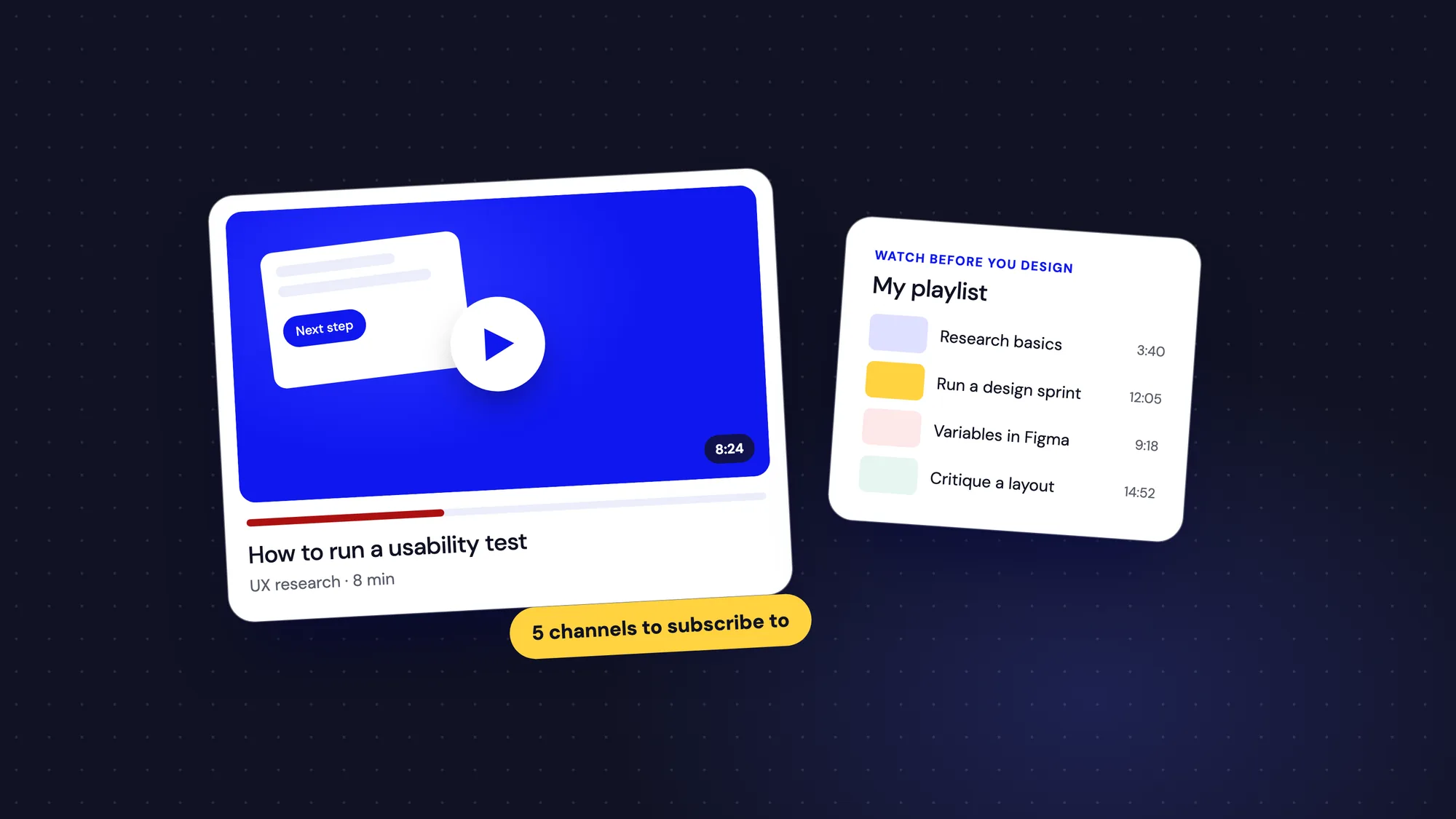
The single most useful habit I've built around YouTube is a private playlist called "Watch before you design". Whenever I find a video that clearly explains a pattern, method or principle, it goes in.
- Group videos by topic: research, workshops, design systems, visual craft, career.
- Add a short note in the description on why it's there.
- Before starting a new type of task, like a first design sprint, watch the two or three saved videos on it.
- Clear out videos that no longer feel useful every few months.
Over time this becomes a personal course, built from the best bits of many channels and tuned to the work you actually do. It's also a great thing to share with junior designers on your team.
My starting pack
If you only subscribe to two, pick NNgroup for the thinking and Figma for the tools. Add AJ&Smart when you start running workshops, Flux Academy if you design websites, and DesignCourse when you want to sharpen your eye.