5 UX blogs worth following (and how to actually read them)
There's more UX writing online than anyone could read. These are the five blogs I keep coming back to, what each one is best for, and a simple habit for turning reading into better work.
Search for "UX tips" and you'll get millions of results, most of them repeating each other. Reading more of them won't make you a better designer. Reading the right ones, and using what you read, will.
Over the years I've unsubscribed from far more than I've kept. The five blogs below survived because they've changed how I work, not just what I know. Each one is good at something different, so together they cover research, interface detail, craft and the business side of design.
1. Nielsen Norman Group
If UX had a reference library, it would be NN/g's articles at nngroup.com. They've been publishing since the late 1990s, and almost everything is based on their own research with real users rather than opinion.
Best for: understanding why something works. Their articles on topics like form design, navigation, mental models and research methods are the ones I send to stakeholders when a decision needs backing up.
- Start with their articles on usability heuristics and on how people scan pages. Both still hold up.
- Use the search when you face a specific problem, like designing a data table or an empty state. There's usually a well-researched article on it.
- Many articles come with a short video, which is handy when you're short on time.
2. Baymard Institute
Baymard runs large-scale usability research on e-commerce: product pages, filters, checkout, search and account flows. Their free articles share a lot of findings, and the full research database is a paid product many large retailers use.
Best for: detailed, evidence-based guidance on forms, checkout and complex lists. Even if you don't design online shops, their work on form fields, filtering and error messages applies to any product where people enter data or search through items.
What I like most is the specificity. You won't find "make checkout simple". You'll find exactly which field causes people to stall and why.
3. Smashing Magazine
Smashing has published articles for designers and front-end developers since 2006. It's where design meets build: accessibility, design systems, CSS, typography and UX all sit side by side.
Best for: designers who want to understand how their work gets built. Reading Smashing helped me write better specs and have better conversations with developers, because I started to understand what's easy, what's hard and what's possible.
- Their accessibility articles are some of the clearest on the web.
- Look for long-form guides on design systems and forms. They're practical and well edited.
- The newsletter is a good weekly digest if you don't want to check the site.
4. UX Collective
UX Collective, at uxdesign.cc, is one of the largest design publications on Medium. It publishes articles from designers around the world, and its editors also send a curated weekly newsletter.
Best for: hearing from working designers about real problems: career growth, team dynamics, AI in design, portfolios and process. Quality varies, as it does with any open publication, but the newsletter does a good job of picking the strongest pieces.
My tip: subscribe to the newsletter rather than browsing the site. The editors' summaries alone often give you the key idea of an article in two sentences.
5. Growth.Design
Growth.Design publishes case studies in a comic-book style. Each one walks through a real product's flow, like onboarding, pricing or cancellation, and explains the psychology behind what works and what doesn't.
Best for: learning to see products through a behavioural lens. They're quick to read and fun, but they're also full of named principles, like the ones in my article on UX laws, applied to real screens.
They're also a great format to borrow. I've used the same "walk through the screens and annotate the psychology" approach in my own design reviews, and stakeholders love it.
Which one, when
- Need evidence for a design decision: Nielsen Norman Group.
- Designing forms, search, filters or checkout: Baymard Institute.
- Working closely with developers or on accessibility: Smashing Magazine.
- Want to hear how other designers work and grow: UX Collective.
- Want to sharpen your eye for behaviour and persuasion: Growth.Design.
Worth a bookmark too
- Laws of UX, by Jon Yablonski: short, beautifully designed explanations of the psychology behind design.
- Mobbin: a huge library of real app screenshots, perfect when you want to see how others solved a pattern.
- Company design blogs from teams like Figma, Atlassian and Shopify: honest write-ups of how large teams work.
How to tell if a blog is worth your time
New design blogs appear every week, and plenty of them are written to rank in search rather than to help you. A few quick checks separate the useful from the noise.
- Does it show evidence? Look for research, data or real project examples, not just confident opinions.
- Does it admit trade-offs? Good advice explains when something doesn't work, not just when it does.
- Is it specific? "Use clear labels" is a slogan. "Label buttons with the verb that describes the outcome" is advice.
- Is it written by someone who does the work? Practitioners write differently from content marketers.
- Does it still make sense in five years? Evergreen thinking beats the latest trend.
How to actually read them
The trap with design blogs is reading for the feeling of progress. You finish ten articles, feel productive and change nothing. Here's the simple habit that fixed that for me.
- Read with a project in mind. Ask: what's one thing from this I could try this week?
- Keep a single note of ideas, each with a link and one line on why it matters.
- Share one useful article a week with your team, with your own two-sentence summary. Explaining it makes it stick.
- Once a month, look back at your notes and pick one idea to actually apply.
Thirty minutes a week of focused reading beats hours of scrolling. The goal isn't to know everything. It's to keep getting slightly better at the work in front of you.
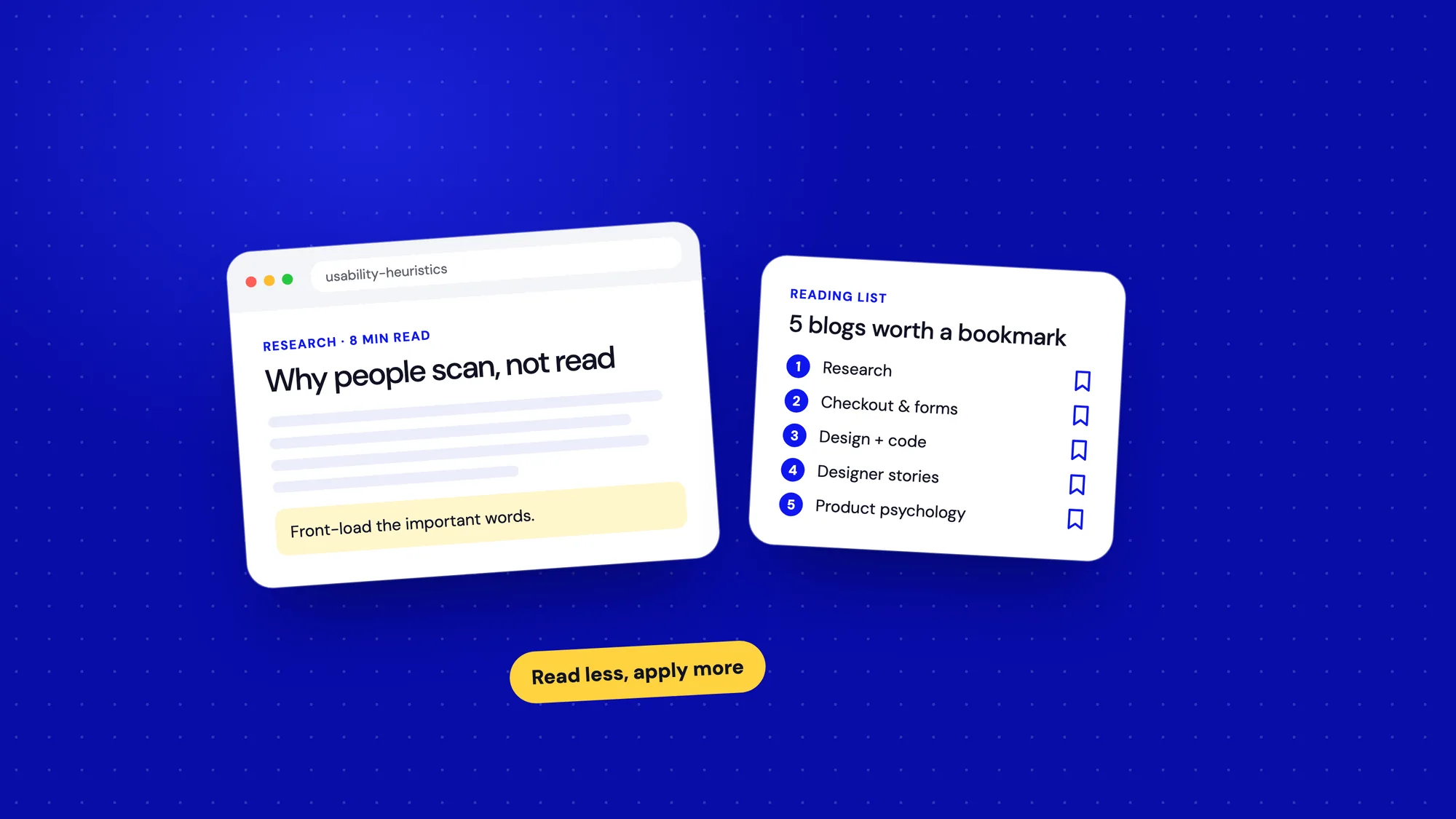
Read less, apply more. One idea used is worth ten articles saved.
Start small
If you're new to UX, start with NN/g and one newsletter. If you're experienced, add Baymard for depth and Growth.Design for a fresh way of seeing products. Then let the habit do the rest.