Case study · Real estate · SaaS platform

Every land, layout and plot, in one place.

RealEase is India's first asset management SaaS for property owners, from individuals to builders like Ramky and MyHome.
Client
RealEase
Industry
Real estate · Asset management
Product
Web platform (SaaS)
Timeframe
45–60 days
My role
UX research, wireframing, visual design, prototyping, design system, dev handoff
Tools
Figma, FigJam
Links
Read on Medium
RealEase platform on a laptop

01 · The short version

The project in a minute

The problem

Three owners, one platform

An individual with a few plots and a corporate with hundreds of acres need very different things, yet it had to be one product.

What I did

Seven flows, one system

Mapped the platform, designed seven core flows, and built a design system the developers could ship from.

The result

Property, without the paperwork

A platform where owners add, find and share their properties in a few clicks, with documents in one place.

45–60days from research to developer handoff
7core user flows
3customer types: individuals, builders, corporates
5design rules taken straight from user needs

02 · Who it's for

Three owners, very different needs

High‑net‑worth individuals, independent builders and large corporates all manage land. The scale changes everything.

Primary users

Individuals · Builders · Corporates

“Help me find any property in seconds, and keep its papers in one safe place.”The brief in one line, as I framed it

  1. SmoothEasy to move around and find the right property.
  2. SpeedSearch and filters that answer fast.
  3. EffortlessAdding a new property feels quick, not like paperwork.
  4. Visually engagingCrisp visuals that make data feel lighter.
  5. Insight‑drivenOnly the most relevant numbers on screen.

03 · How it came together

From research to handoff

A platform this size needed structure before screens. Here's how the work moved.

  1. 1

    Step 1

    Understand

    Research with the three customer types, then the information architecture for the whole platform.

    • Research
    • IA
  2. 2

    Step 2

    Design

    Wireframes and visual design for all seven flows, from onboarding to inviting collaborators.

    • User flows
    • Visual design
  3. 3

    Step 3

    Hand off

    A design system and prototypes, so developers could build every screen the same way.
    • Design system
    • Dev handoff
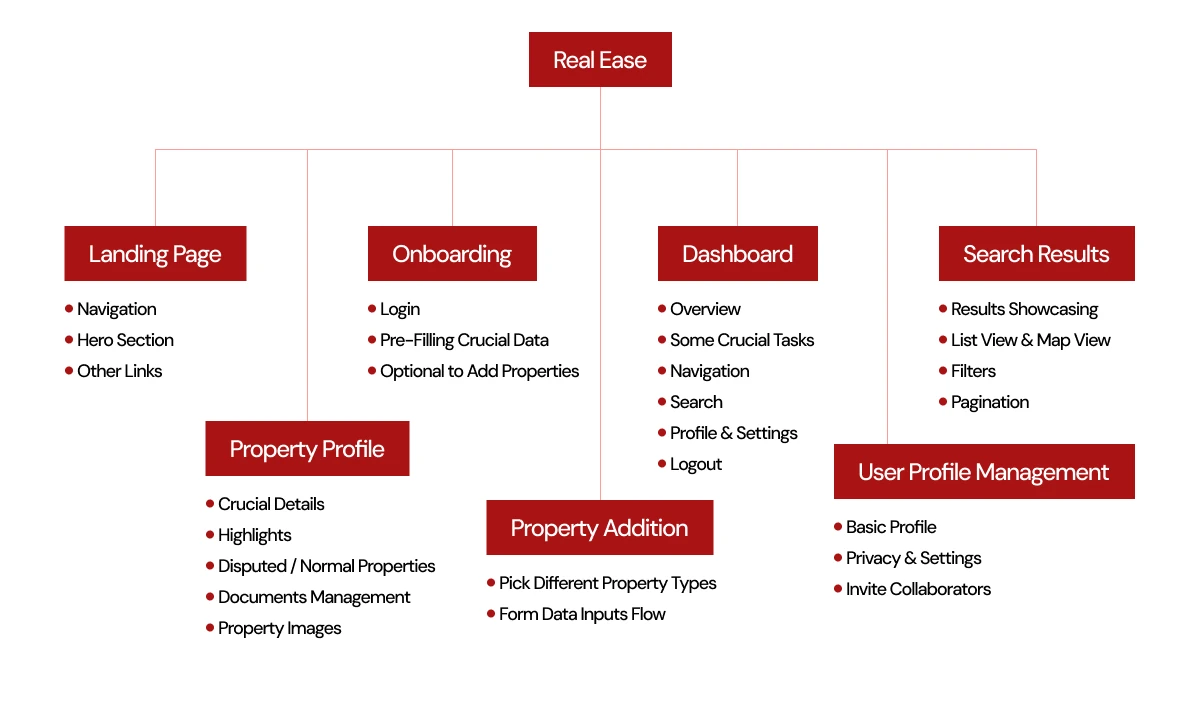
RealEase information architecture
The information architecture: landing page, onboarding, dashboard, search, property profile, property addition and profile management.

04 · Key decisions

The choices that made it work

Decision 01

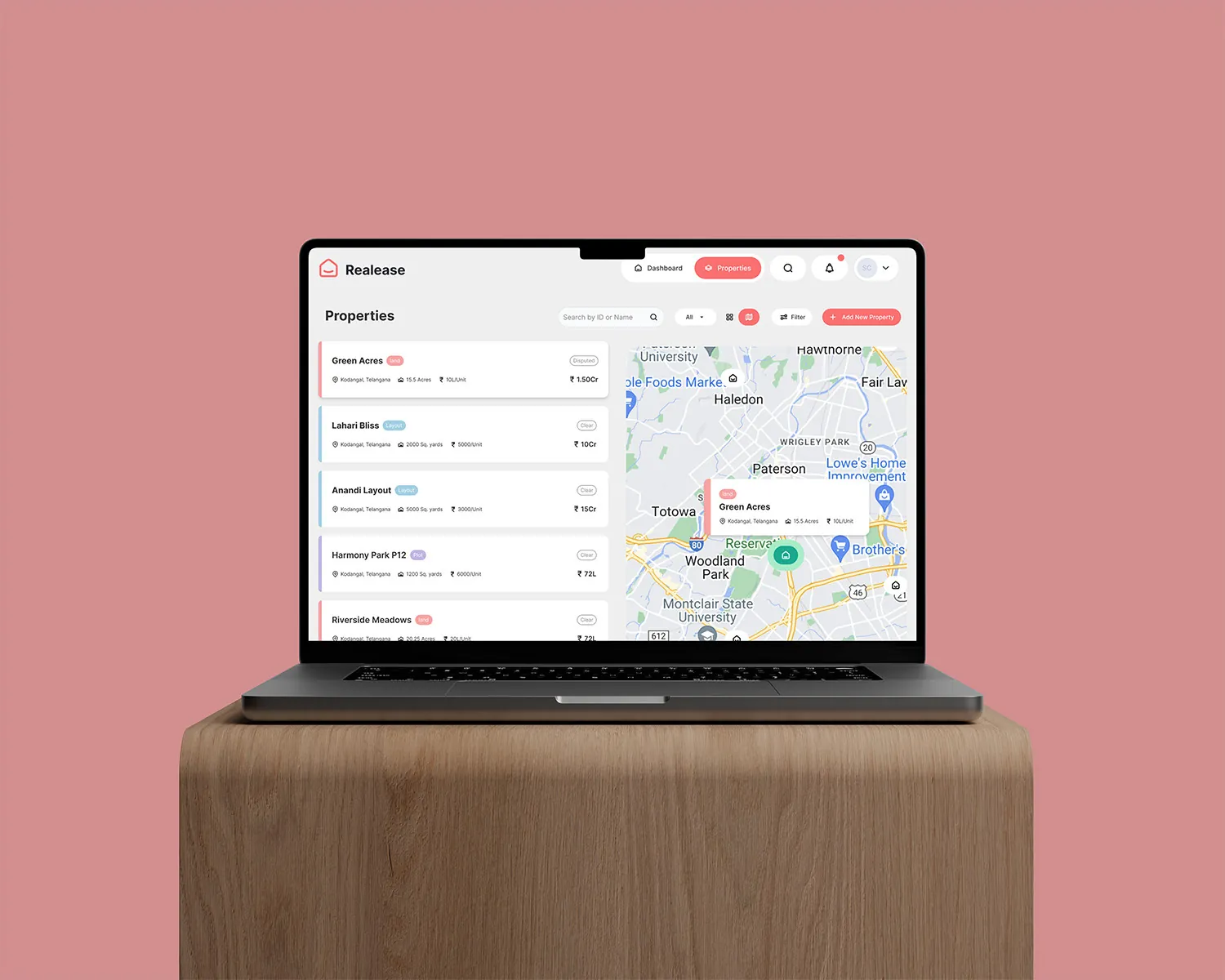
Search on a map, not just a list

Why
Land is about location. Owners think in places before they think in names.
What I did
Results show as a list and on a map side by side, with filters to narrow down fast.
Property search with map view

Decision 02

Adding a property is short

Why
If adding is painful, owners stop keeping the platform up to date.
What I did
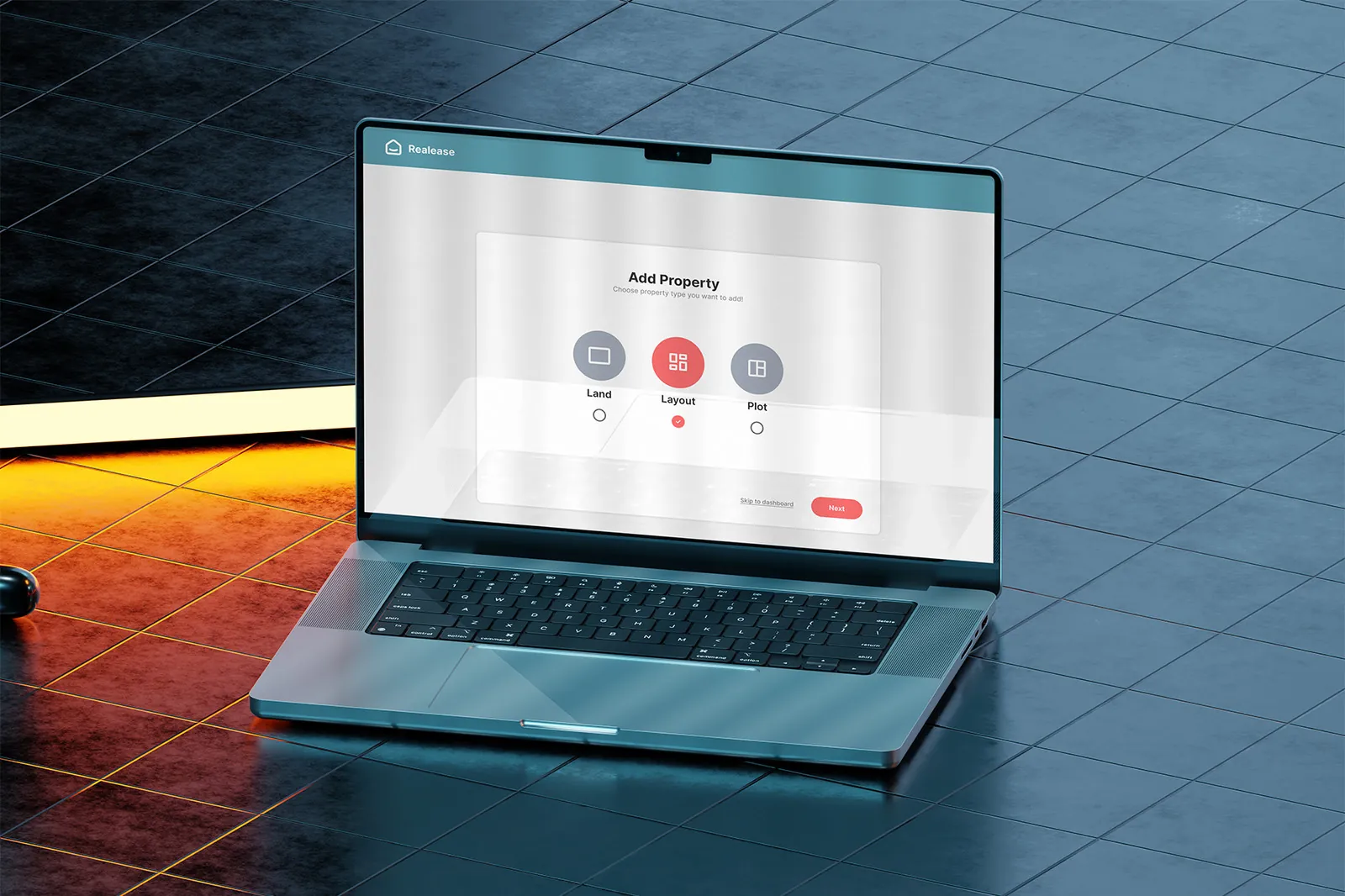
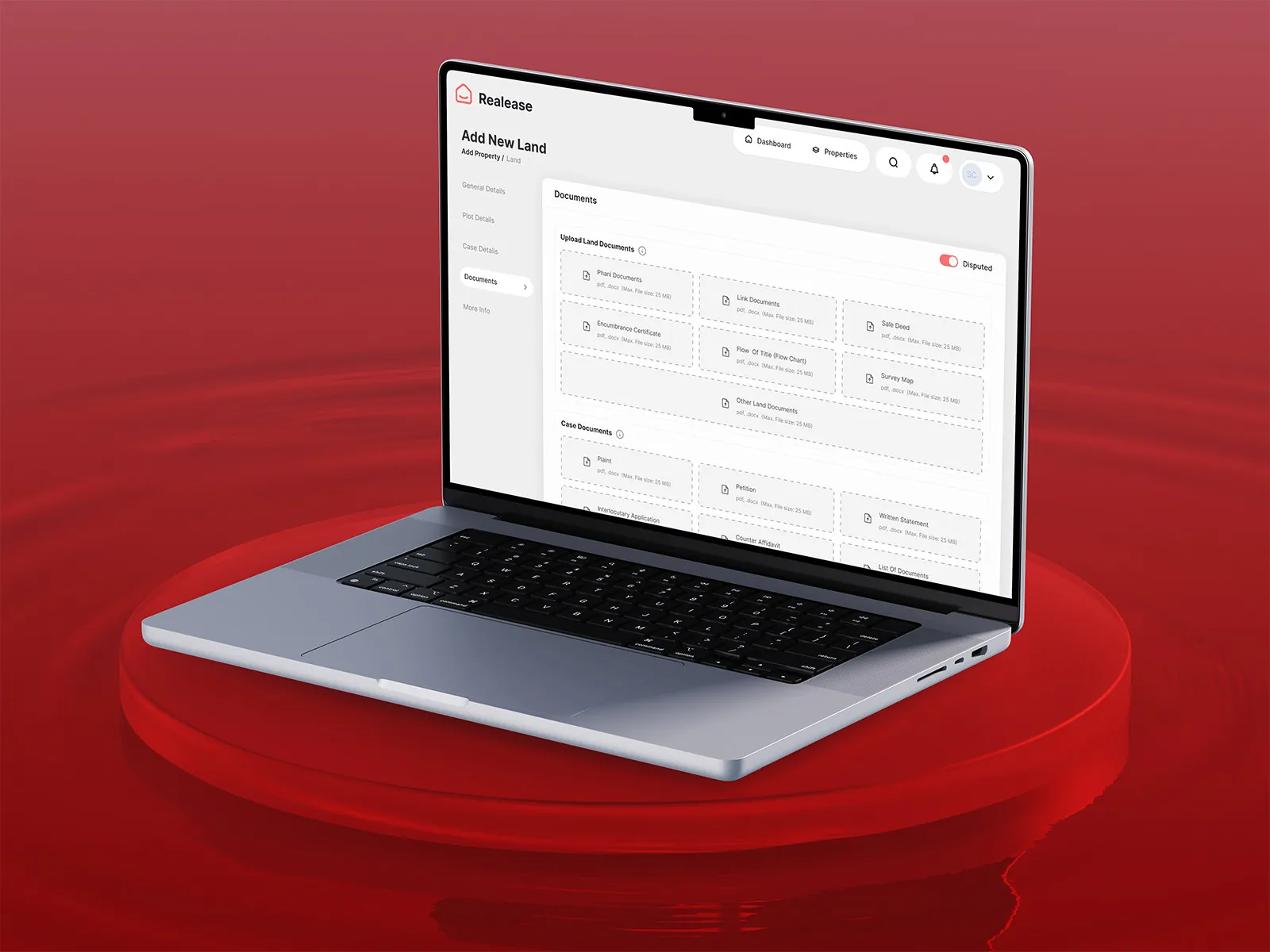
Pick the type first (land, layout or plot), then a guided form with the crucial details pre‑filled where possible.
Add property screen

Decision 03

One dashboard, any scale

Why
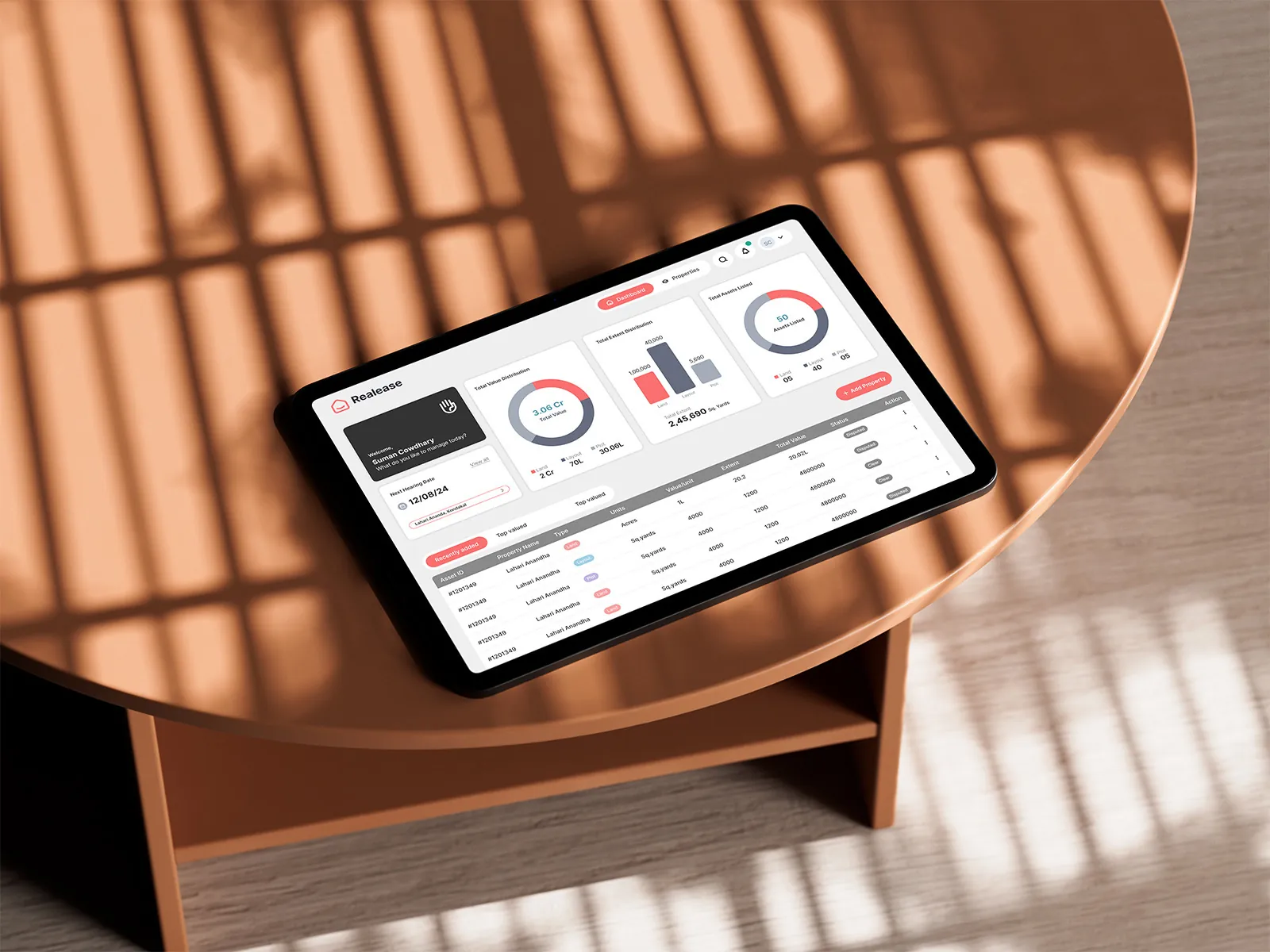
An individual has a handful of plots; a corporate has hundreds across cities.
What I did
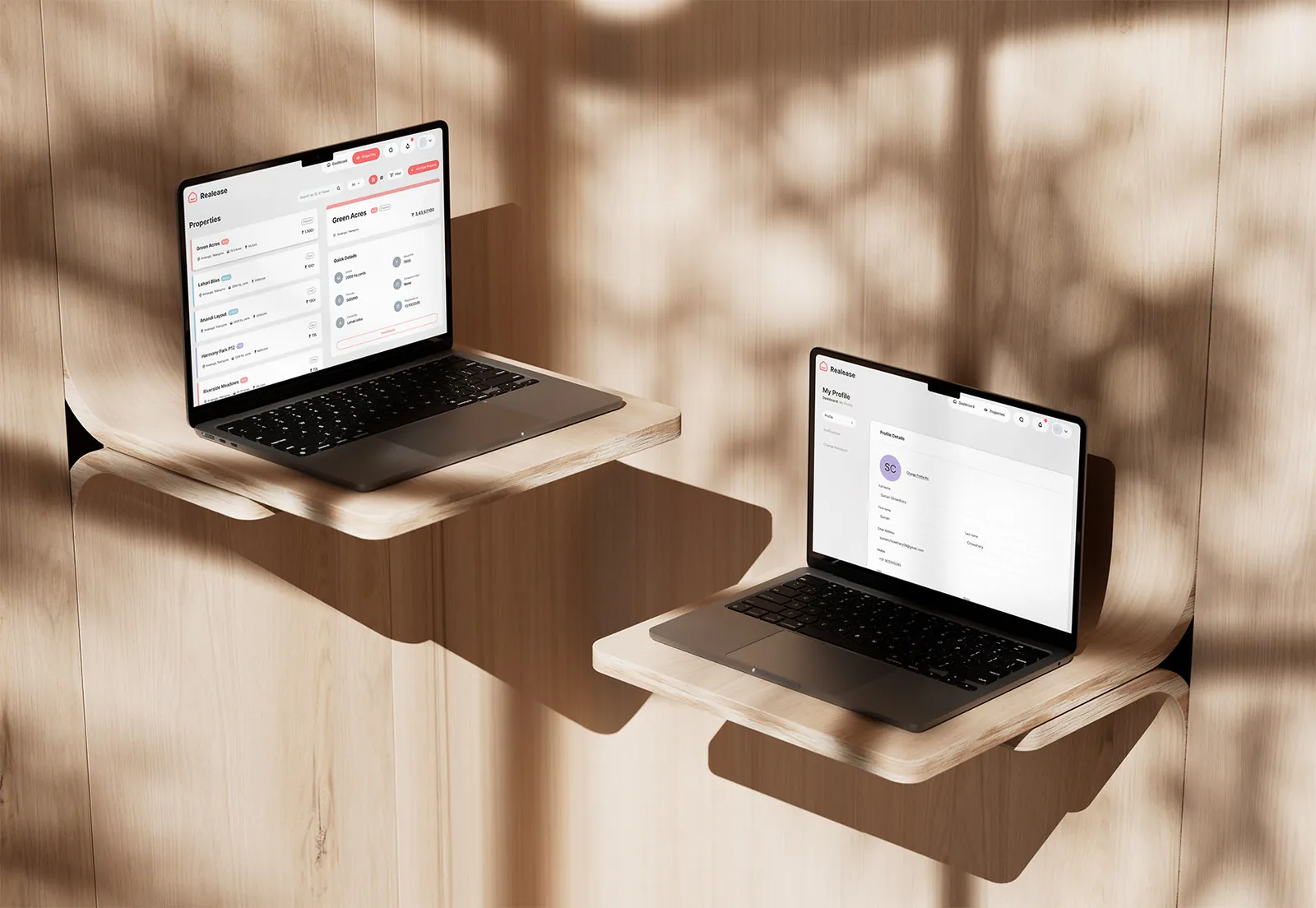
The same dashboard and list views work for both, with collaborators so teams can share the load.
Properties dashboard

05 · The screens

Seven flows, zero paperwork

  • Onboarding
  • Property addition
  • Edit property
  • Search with map
  • View property
  • Profile & settings
  • Invite collaborators
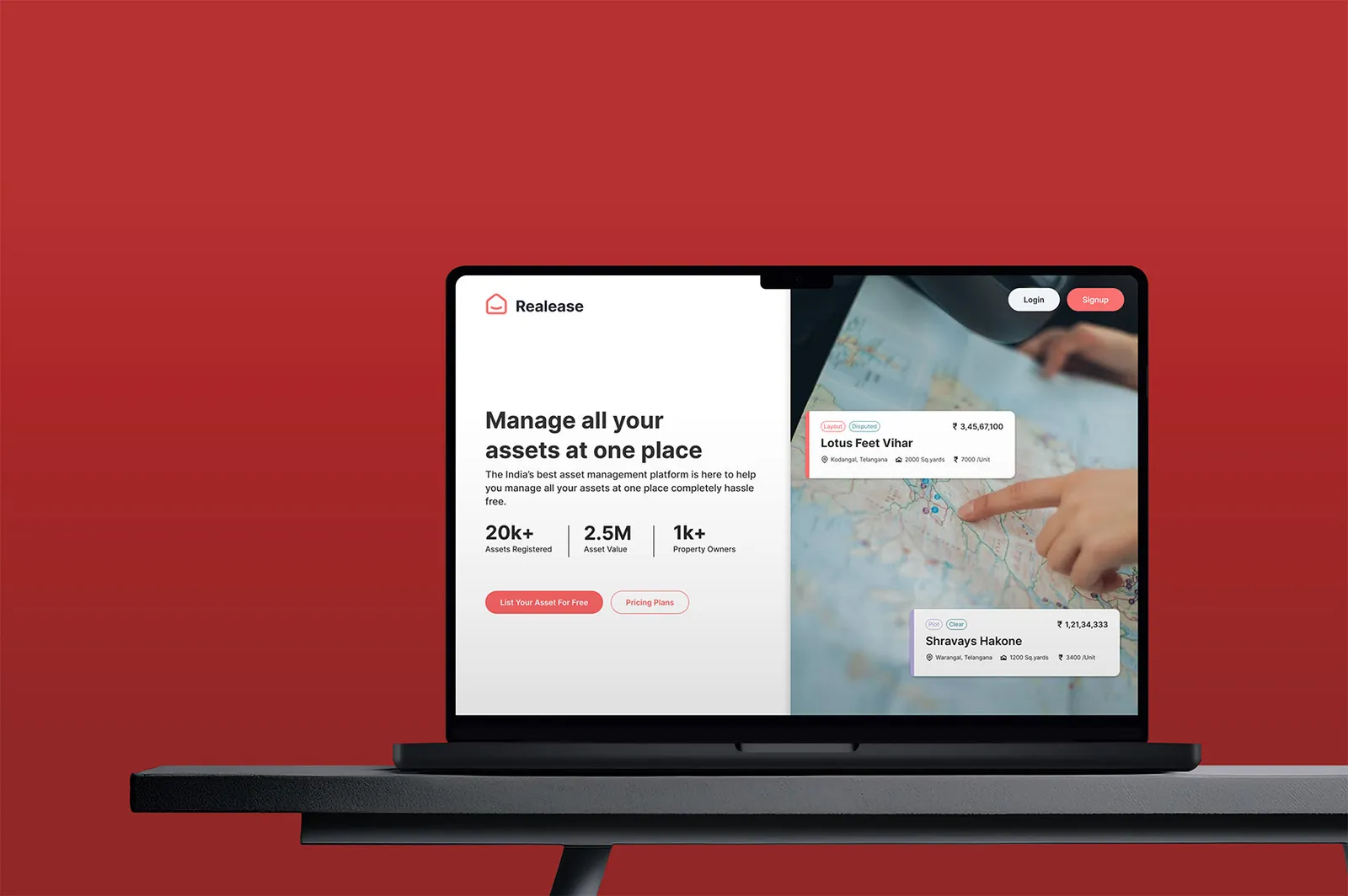
Landing page
Search with map view
Properties dashboard
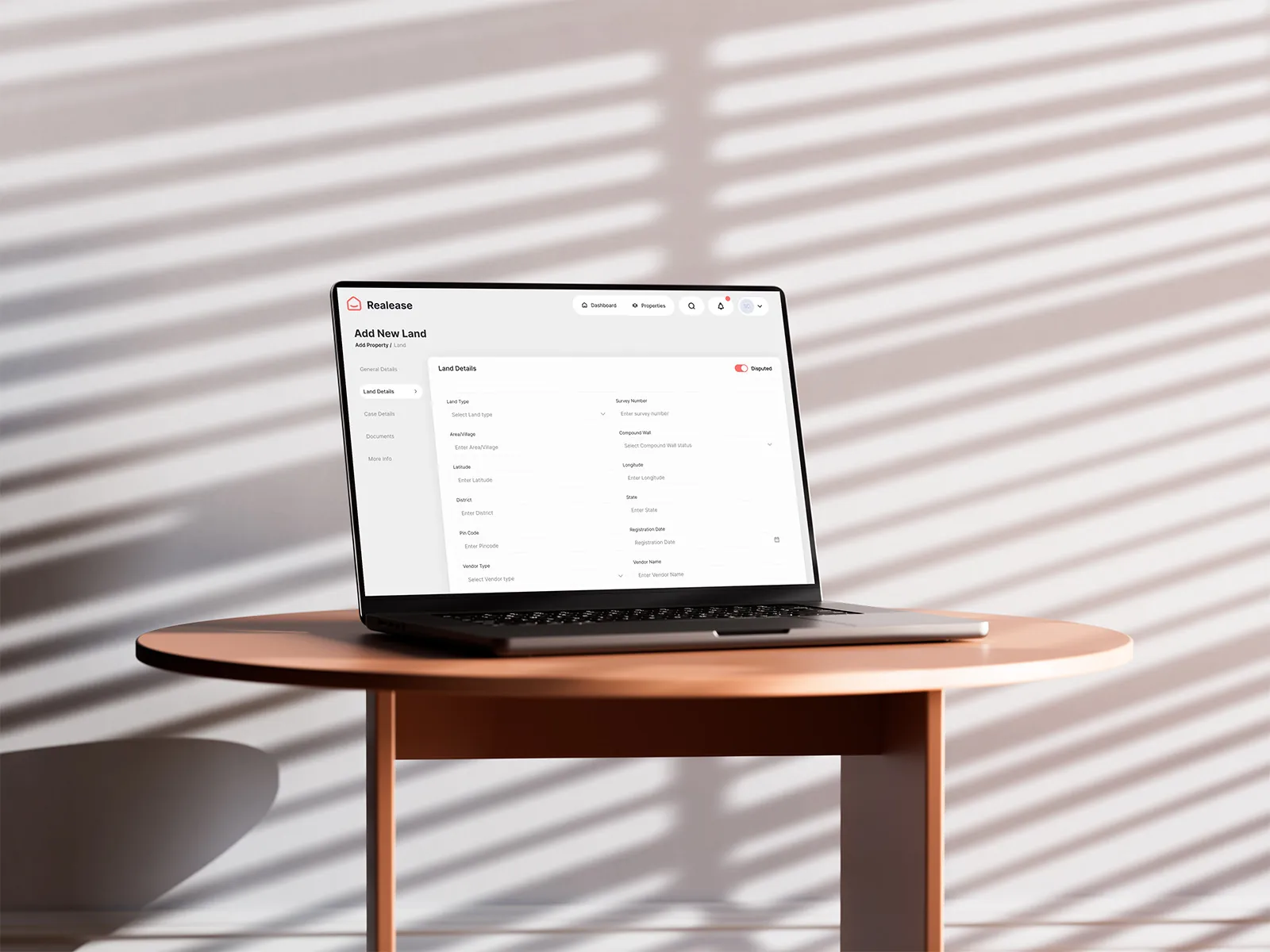
Add land form
Add property
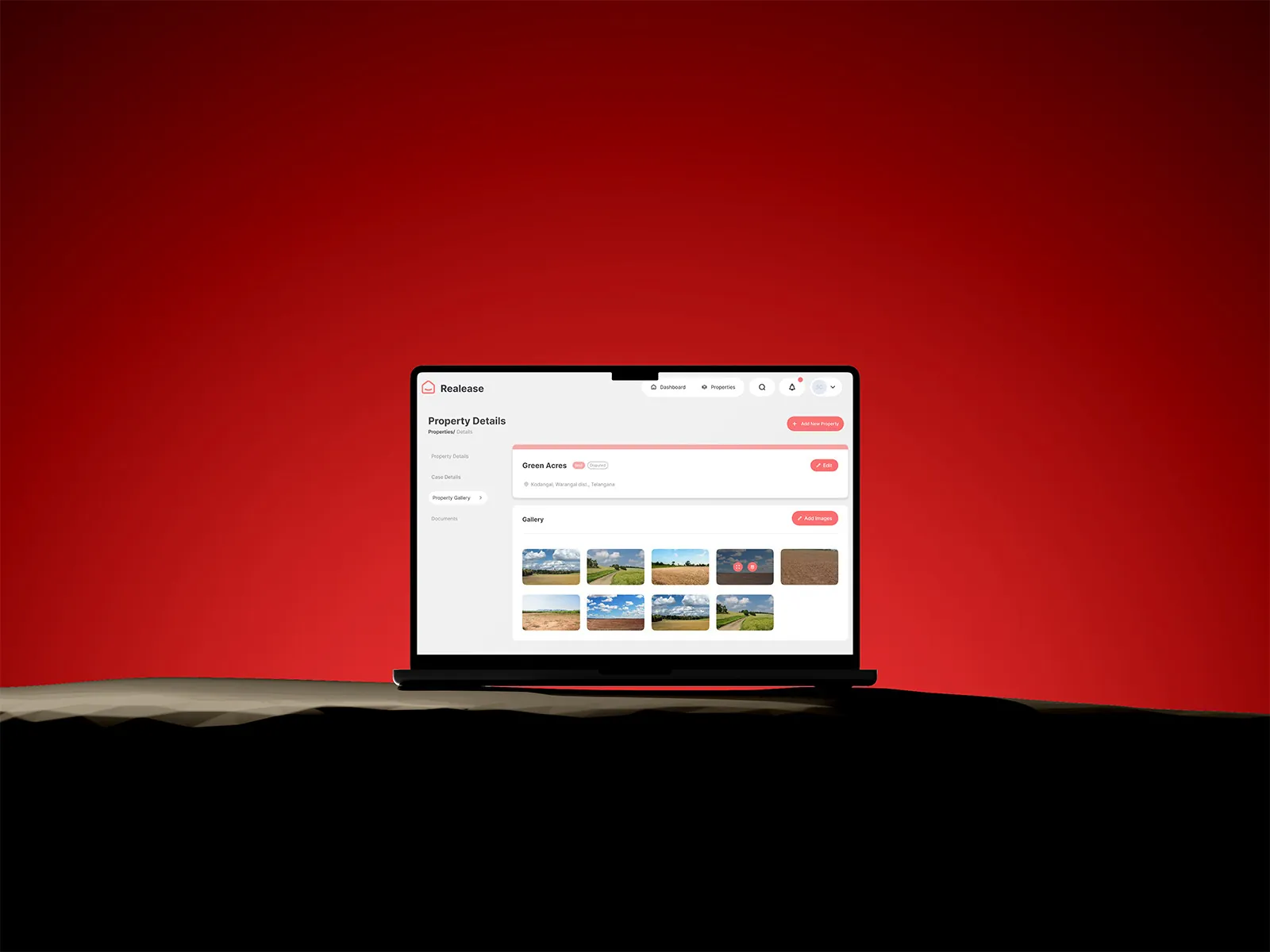
Property details on two screens
Property images

Building a complex SaaS product?

  • I map the whole system first, so every flow fits together.
  • Designs for very different users without making three products.
  • A design system and clean handoff your developers can build from.

Next case study

My Organization →

The shared module that powers every Bharat Carbon product.
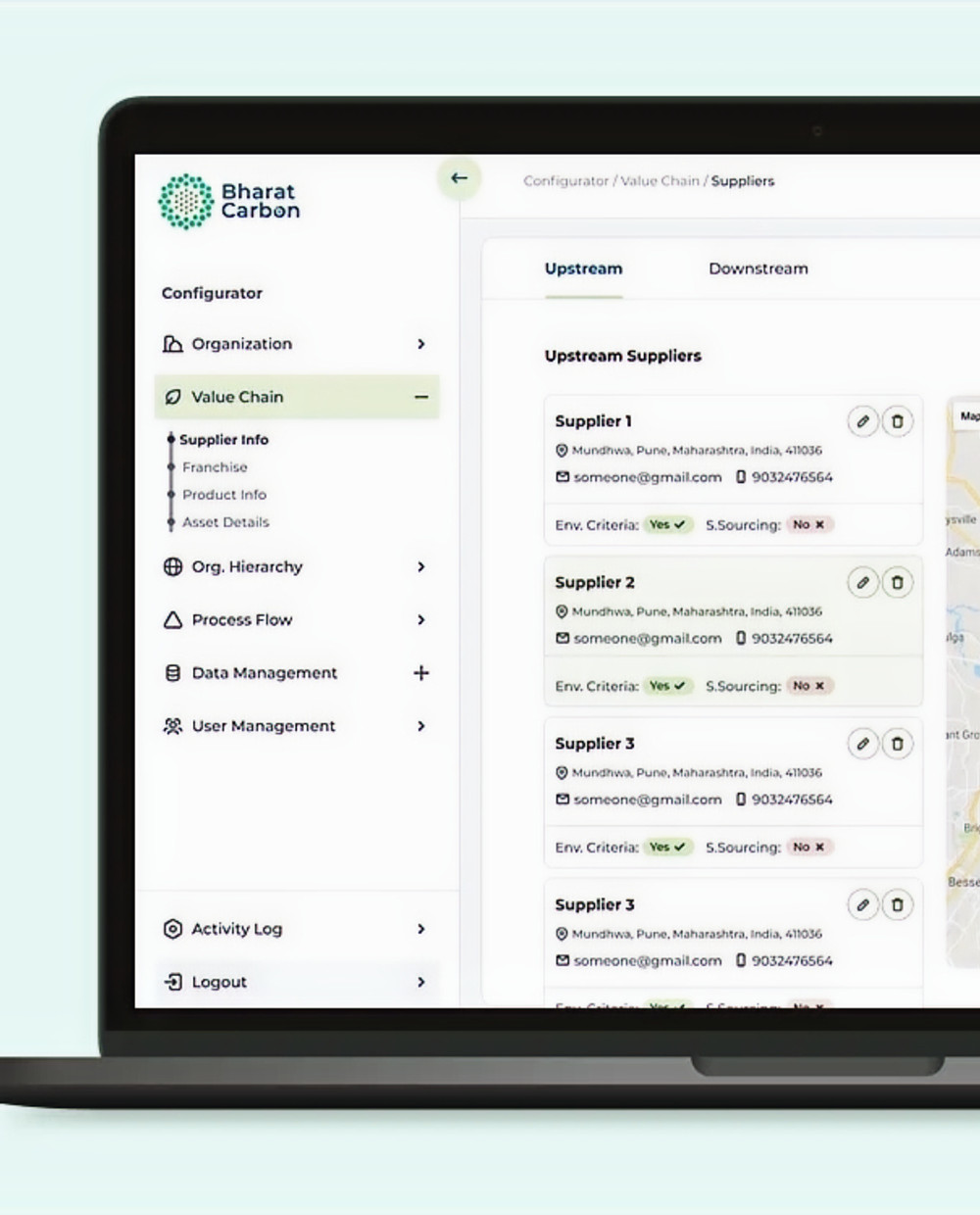
My Organization web app